1. User persona + research
3-5 personas banao — age, goals, tech comfort. Design decisions personal preference nahi, data-driven honi chahiye.
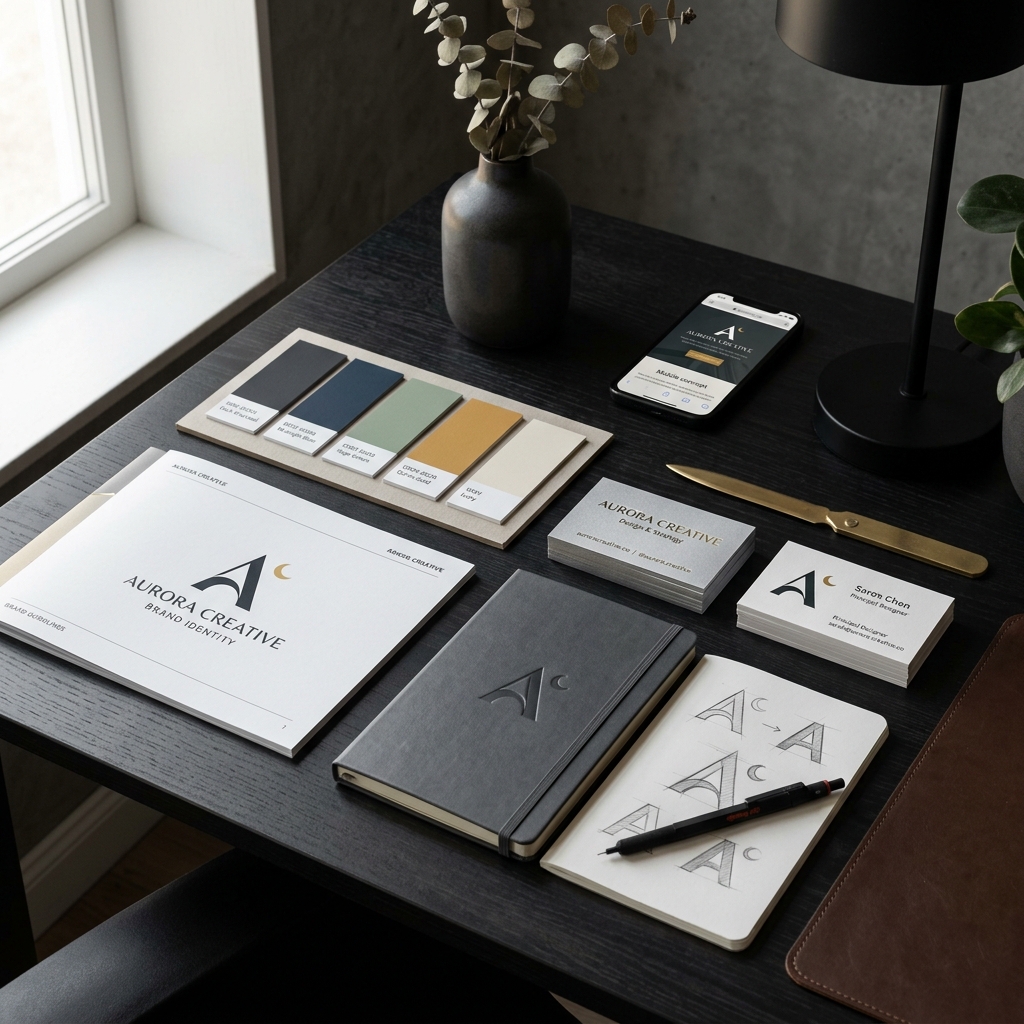
2. User flow diagram
Har feature ka flow paper par draw karo — signup, main task, settings. Flow clear hone par UI design fast hoti hai.
3. Wireframes — low fidelity
Grey boxes + labels, no colors/fonts. Client se structure approve karwao, phir hi visual design shuru.
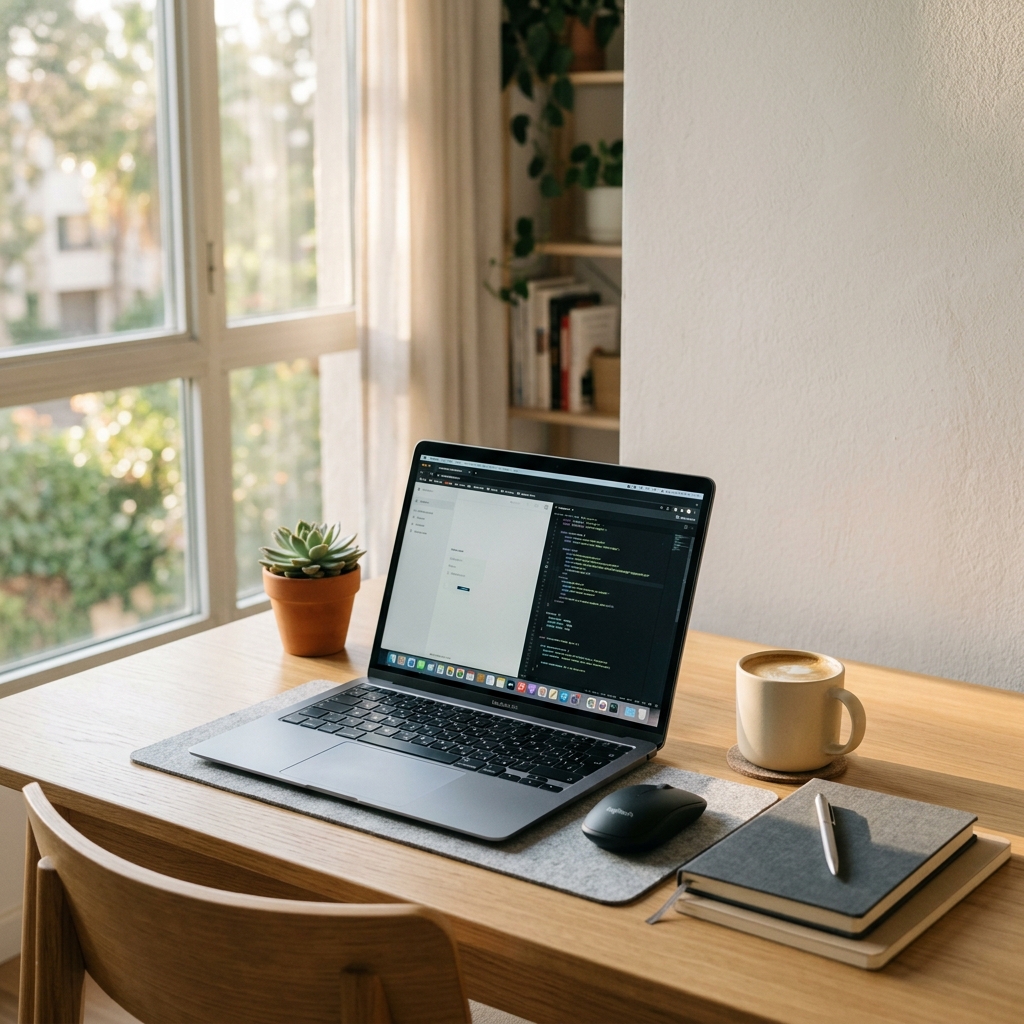
4. Design system
Colors, typography, buttons, spacing — ek reusable component library. Isse app consistent aur update easy.
5. High-fidelity mockups
Figma me actual visual design — colors, images, real content. Har screen 1440x2560 (2x @ 720x1280).
6. Interactive prototype
Screens connect karo Figma prototyping se — client tap kar ke test kare pehle development se pehle.
7. Accessibility check
Color contrast 4.5:1 minimum, tap targets 44px+, text 16px+. WCAG AA compliant design market bada karti hai.

8. Developer handoff
Figma Dev Mode se CSS/exports auto milte hain. Detailed spacing + assets bina developer se 2x faster ship.
12-screen professional design 2 weeks me chahiye? Hamari Mobile App UI/UX Design service (14) — professional delivery, fixed price aur post-delivery support. Live demo dekho ya quote lo.
Is kaam me expert help chahiye?
Fixed price, fast delivery aur 100% satisfaction guarantee ke saath.
Browse Services